Messy input capture
Create events from forwarded posts, plain text, voice notes, screenshots, PDFs and photos.
 Calendar
Telegram Mini App
Forward a message, dictate a voice note, drop a ticket screenshot or import an .ics file. Calendar turns messy Telegram plans into useful events and keeps them in sync.


How it works
It reads the plan, asks when something is unclear, and turns the useful details into one clean event or a whole schedule.
Forward a post, mention @calendar0bot, send a voice note, photo, document or .ics file.
Single plans, lists of events, recurring schedules and meeting links land in the right fields.
Sync it, share it, get the morning plan, or keep a separate calendar for a group chat.
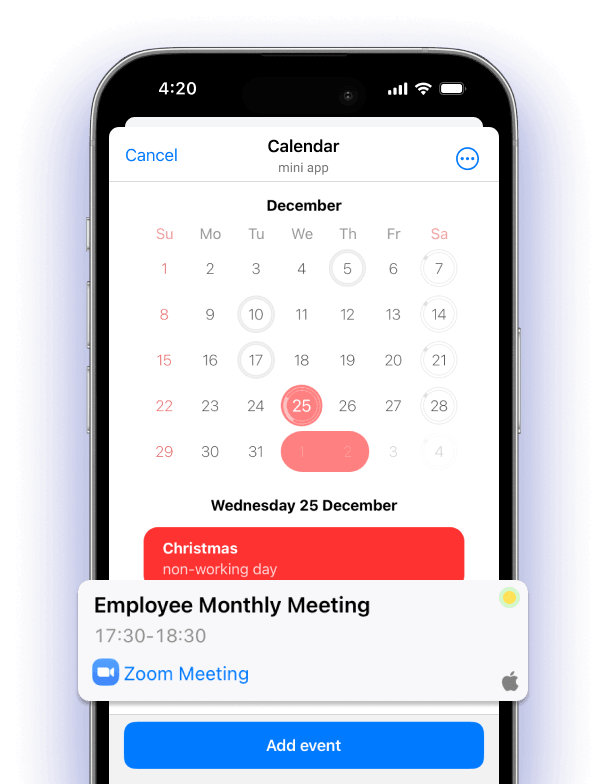
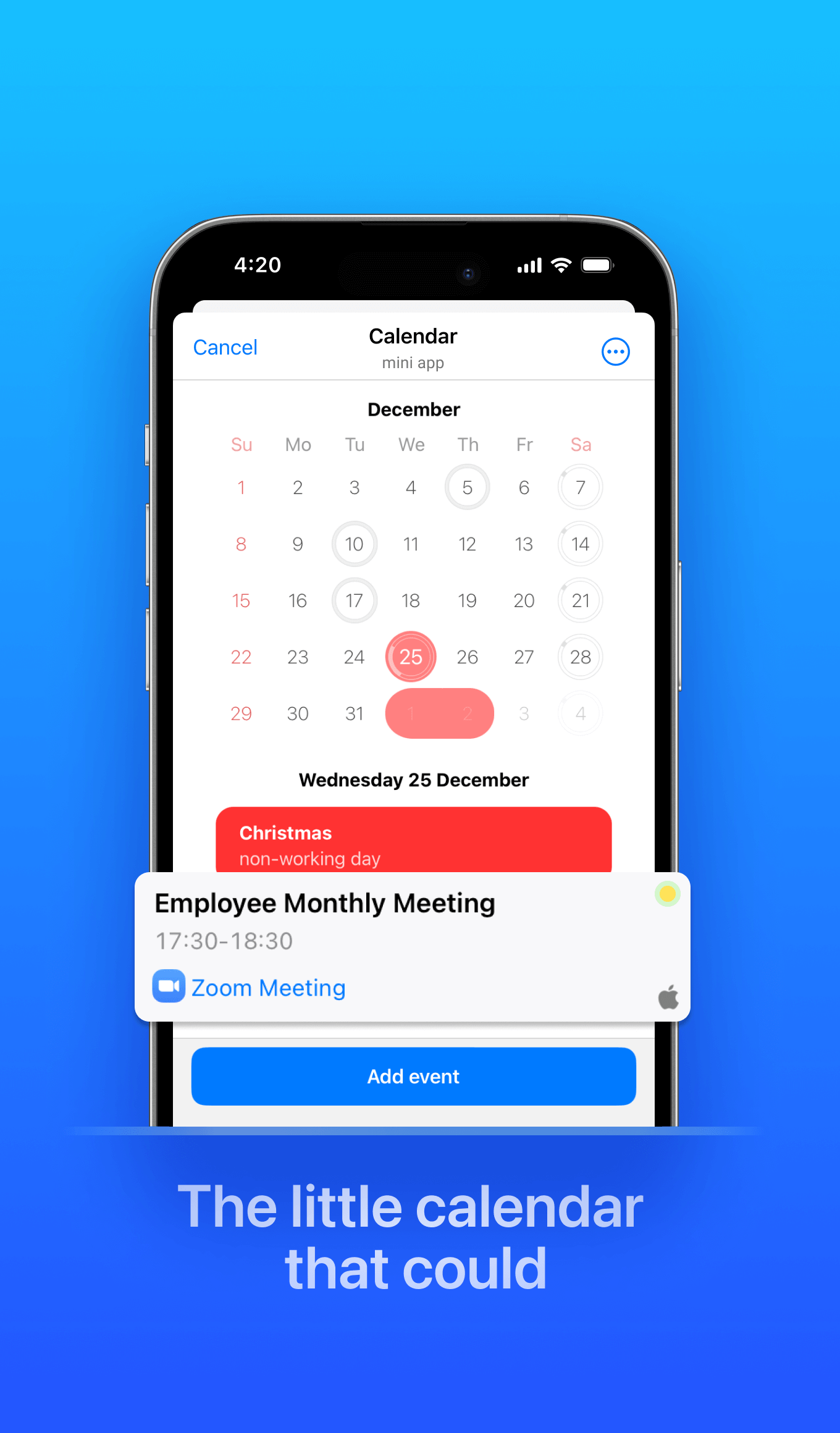
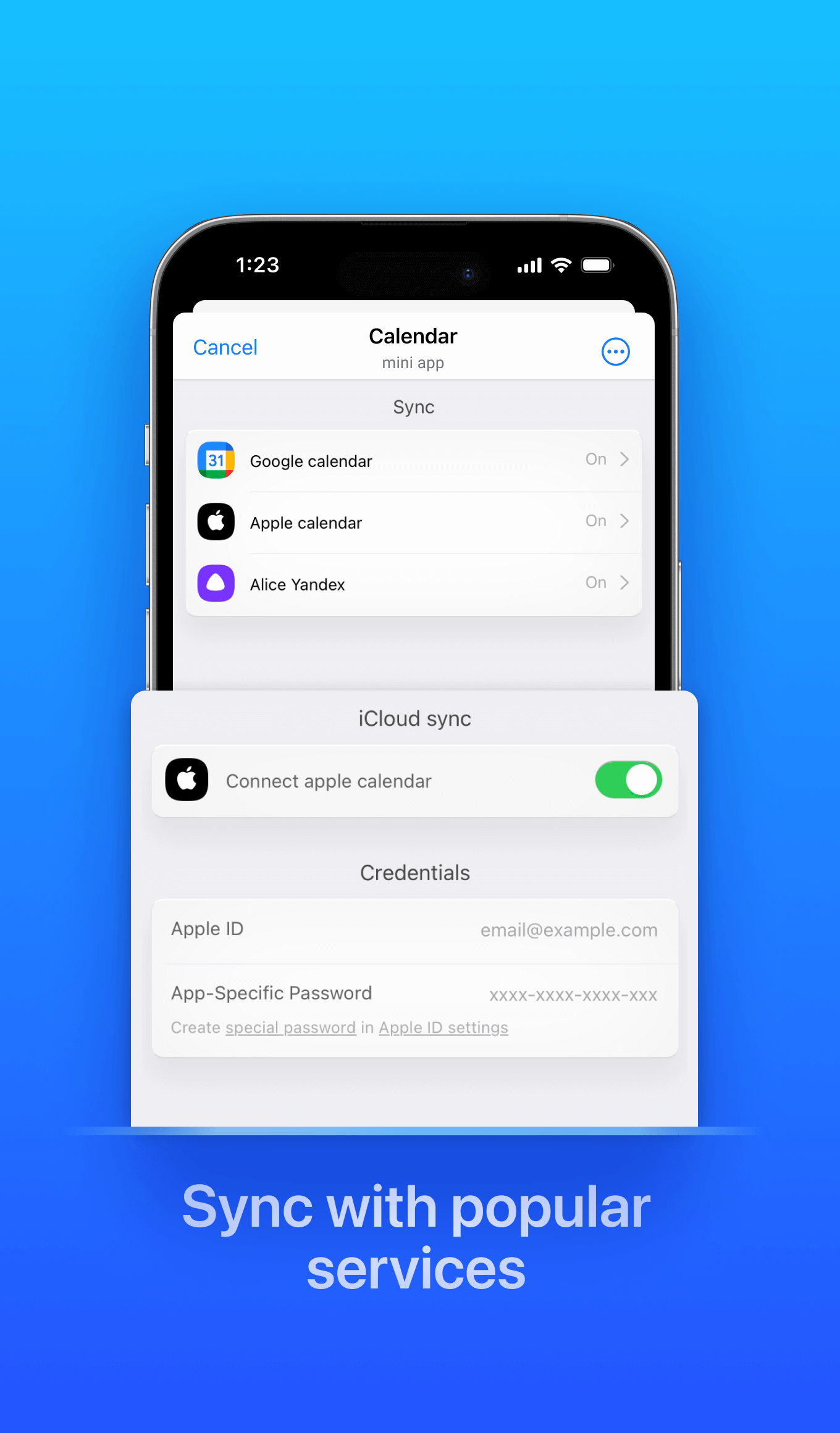
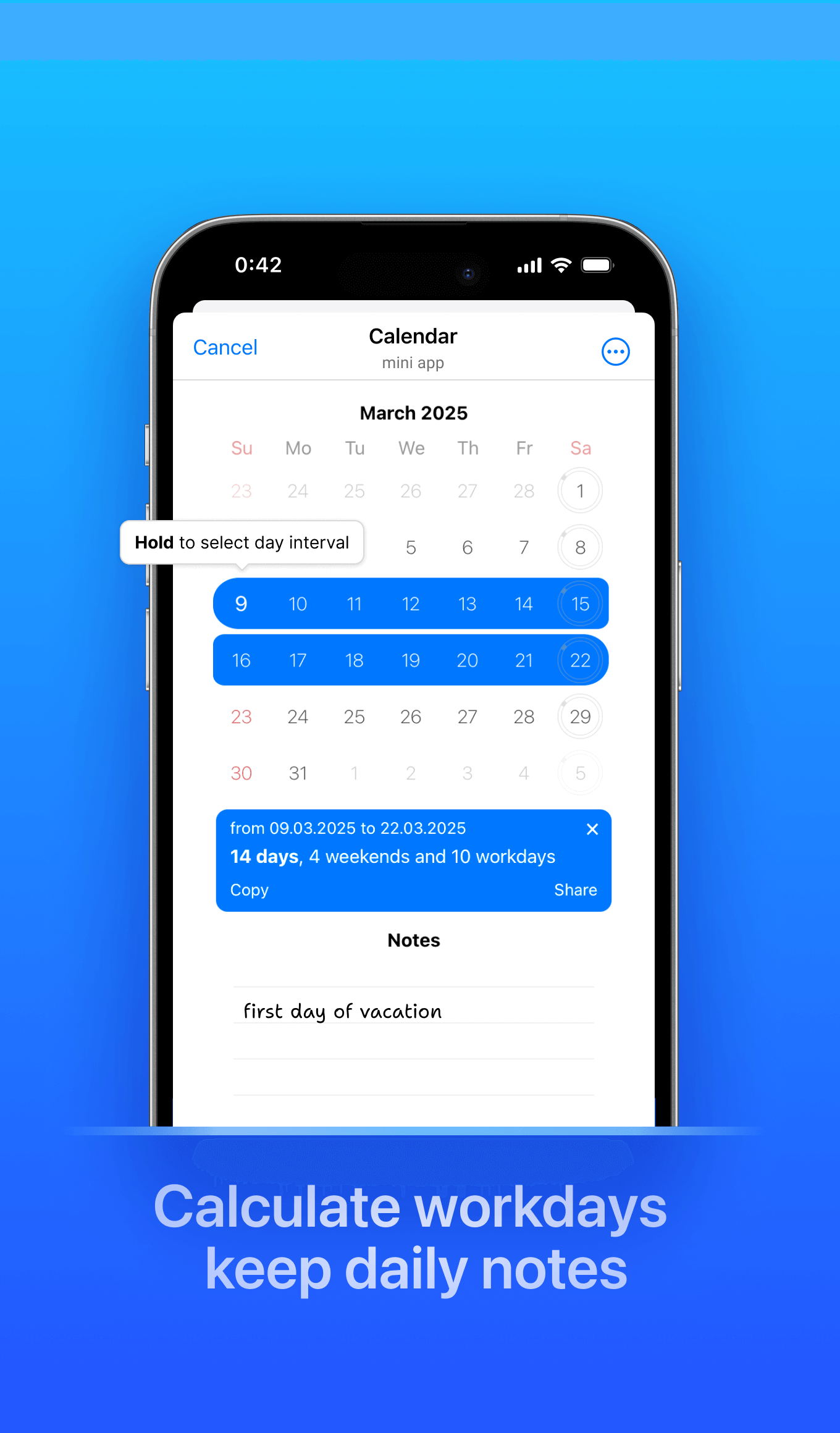
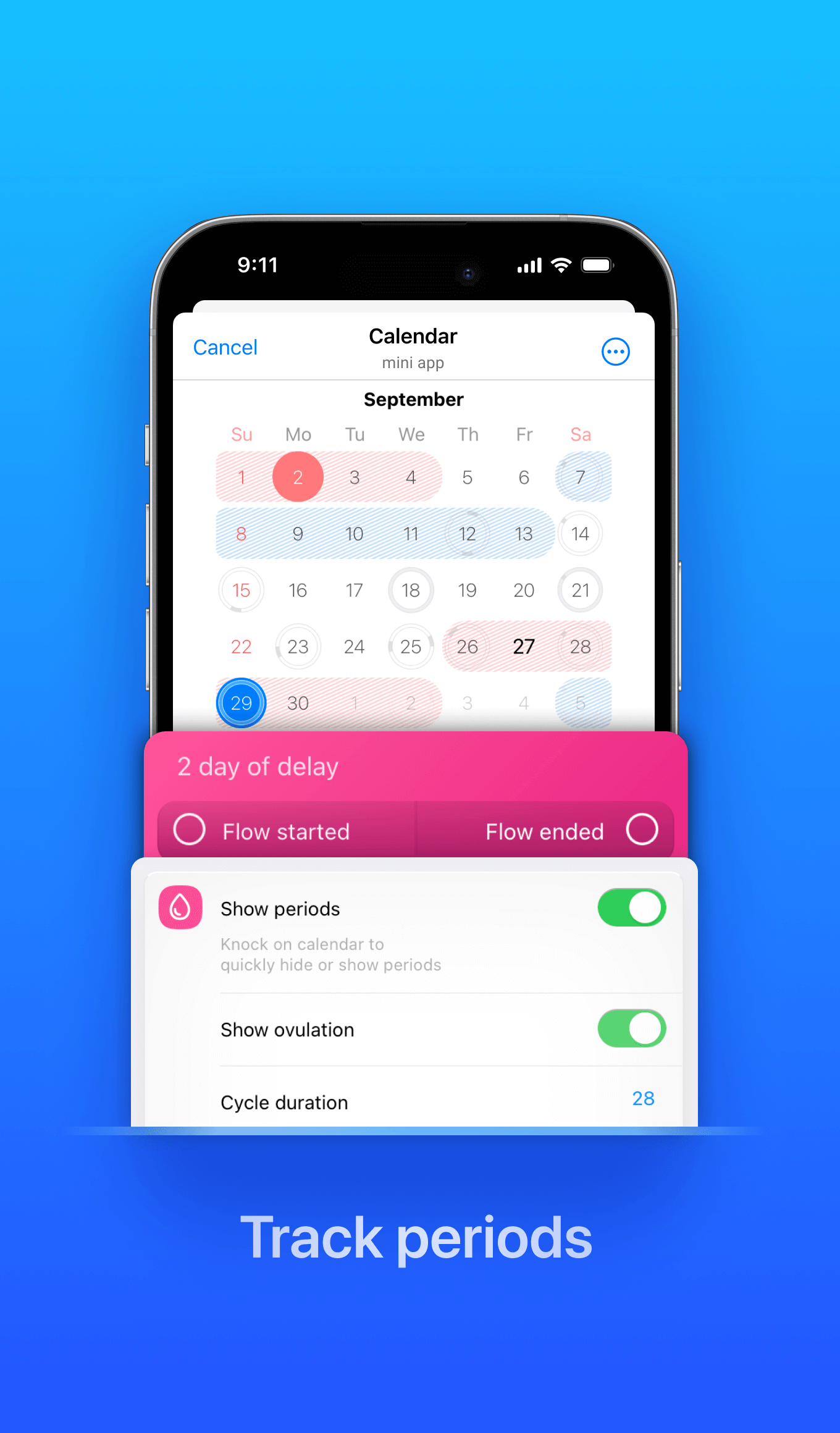
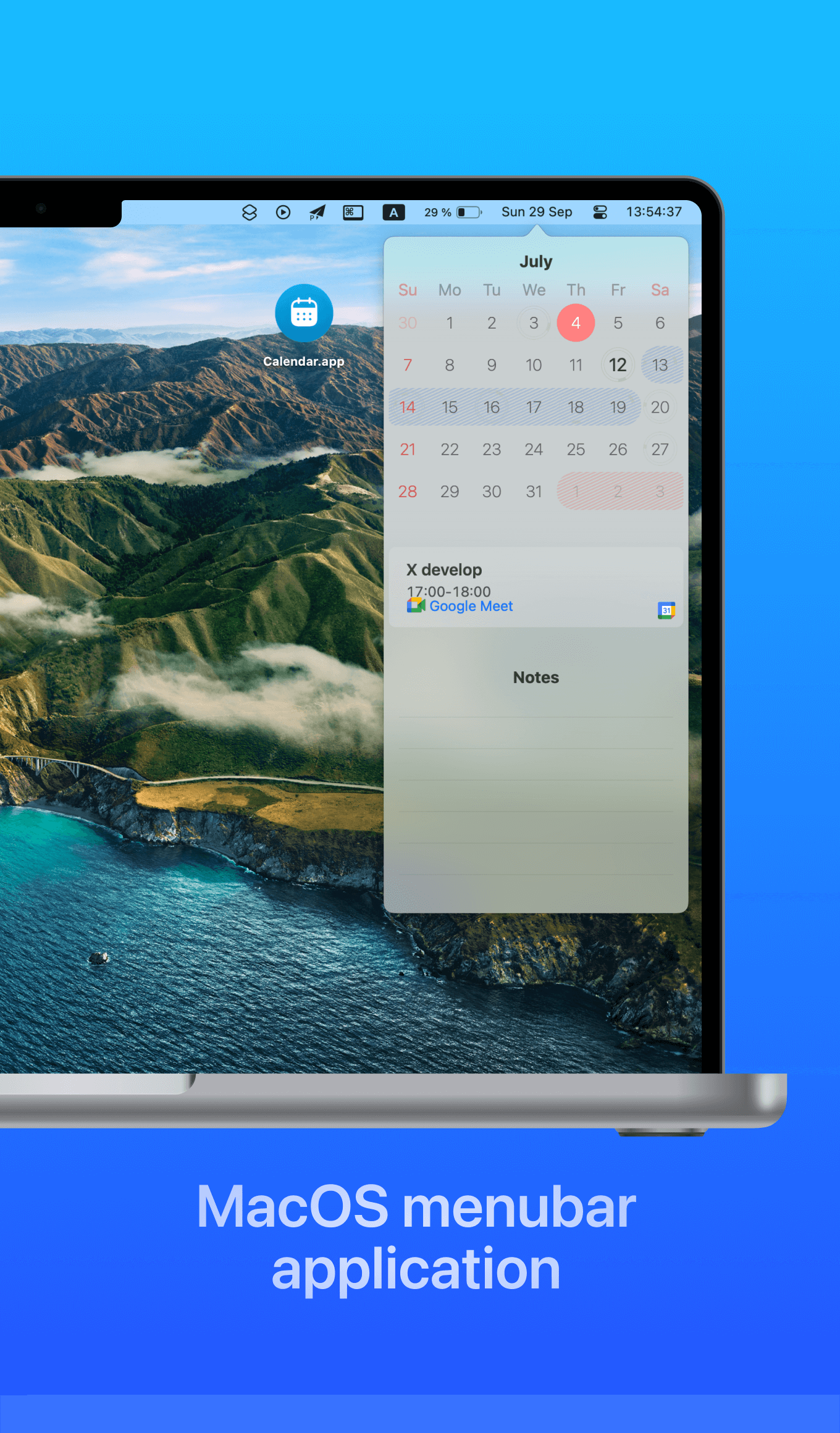
Swipe through the product: events, sync, intervals, notes and the macOS menu bar companion.
Features
The useful parts are the small everyday saves: fewer forms, fewer missed plans, fewer screenshots sitting forgotten in chats.
Create events from forwarded posts, plain text, voice notes, screenshots, PDFs and photos.
Add several events in one message, create recurring plans, or import an .ics schedule.
Get a Telegram digest before the first event so the day starts with the right context.
Mention @calendar0bot to create an event or show your plans without opening the app.
Invite the bot to a family, team or friends chat and keep one shared schedule there.
Keep call links, holidays, short workdays, day notes and late-night travel cues visible.
Sync
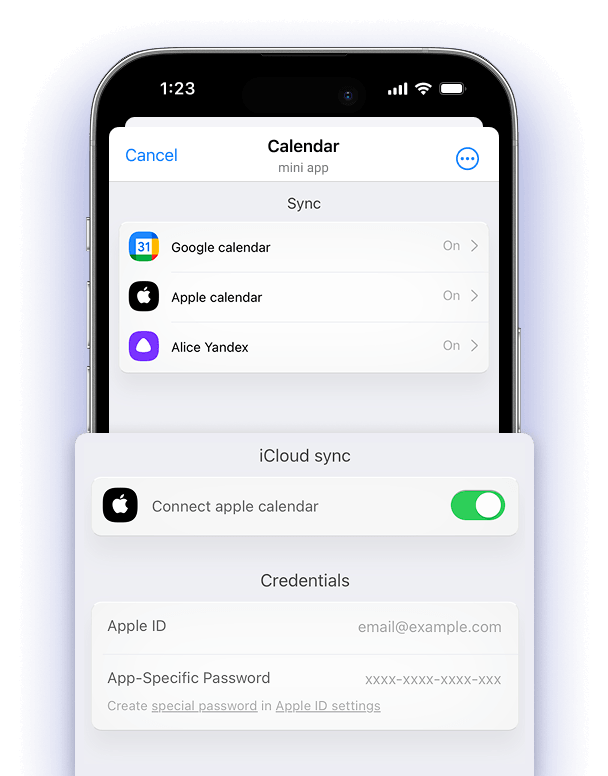
Use Telegram for capture and conversation, then let Calendar keep the rest of your ecosystem up to date.
Use cases
Appointments, workouts, payments, birthdays and all-day reminders from one quick message.
Forward boarding passes, posters and bookings so dates, places and late-night departures are not missed.
Turn call links, recurring meetings and quick decisions into shared events where the discussion happens.
Run separate schedules for groups, update them once, and let subscribers keep the latest version.
Open Calendar in Telegram, send whatever you have, and get a schedule you can actually use.
Start now